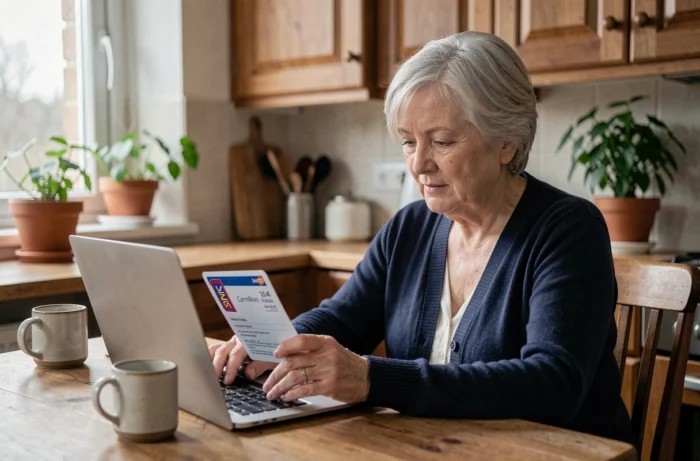
The Carmillon pass for retired SNCF employees provides access to travel facilities through a dedicated online portal. The login procedure relies on an employee number, a password, and, recently, two-factor authentication via SMS. These three elements pose concrete difficulties for some former railway workers, especially those who are not familiar with digital tools.
Employee number, password, and SMS code: the three login barriers compared
Accessing the portal services-aux-retraites.sncf.com requires going through several steps. Each has its own causes of blockage and solutions. The table below summarizes the three most common friction points.
| Login Step | Required Identifier | Common Cause of Blockage | Solution |
|---|---|---|---|
| Entering the employee number | SNCF employee number (digits) | Employee number forgotten or confused with another identifier | Contact the retirees’ service by phone or mail |
| Password | Personal password | Confusion between similar characters (lowercase L and uppercase I), Caps Lock activated | “Forgot password” link after entering the employee number |
| SMS two-factor authentication | Temporary code received via SMS | Mobile number not associated with the account, mobile network unavailable | Associate a mobile number from the portal or contact support |
After three failed login attempts, the account is locked for 30 minutes. This delay cannot be shortened, making it all the more strategic to enter the password correctly from the start.
The detailed procedure for logging into online services with the Carmillon pass for retired SNCF employees covers each step with screenshots suitable for beginners.
SMS two-factor authentication on the SNCF retirees portal: what’s changing
The recent addition of SMS code validation alters the login routine. Specifically, after entering the employee number and password, a temporary code is sent to the mobile phone associated with the account. Without this code, the login will not succeed.
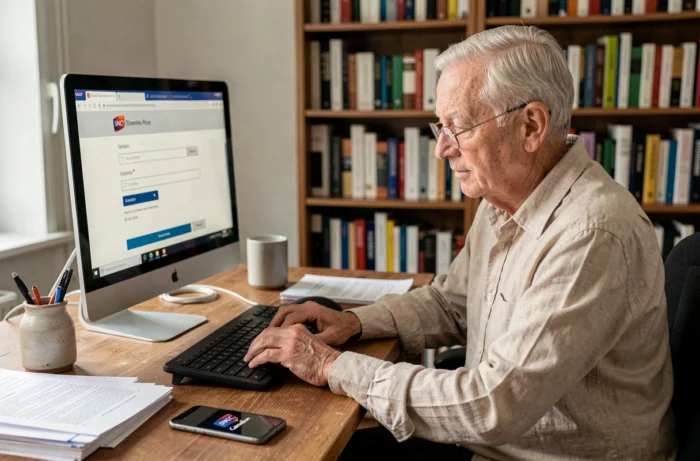
This mechanism presents a specific problem: many retirees have never provided a mobile number in their personal space. The portal was originally designed with just a simple username/password pair, and associating a phone number was not mandatory.
To activate two-factor authentication, one must first successfully log in using the standard method (without SMS), then access account settings to register their number. Retirees who have never associated a number and find themselves at the SMS validation screen are in a technical deadlock. The only solution in this case remains direct contact with the retirees’ service support.
Common errors related to the SMS code
- The code arrives on an old mobile number that the retiree no longer uses, with no possibility to change it independently once locked out
- The SMS takes several minutes to arrive in areas with weak network coverage, and the code expires before it can be entered
- Some phones filter the SMS into a spam or “unknown messages” folder, giving the impression that no code has been sent
Carmillon pass and SNCF Connect: two accounts, two logics
A recurring point of confusion concerns the relationship between the retirees’ portal and the SNCF Connect app. The Carmillon pass can serve as an identifier on SNCF Connect to book tickets, but the two platforms operate with distinct databases and passwords.
In practice, a retiree has at least two digital accesses: the portal services-aux-retraites.sncf.com (to manage their travel facilities, check their rights, access social action) and SNCF Connect (to book and purchase tickets at a discounted rate thanks to the facilities).
The SNCF employee number is only valid on the retirees’ portal. On SNCF Connect, the identifier is an email address. Changing the password on one portal does not change it on the other. This technical separation explains why some retirees think they have lost their access when they are simply entering the wrong identifier on the wrong platform.
Which portal for which action
| Action | Relevant Portal | Identifier Used |
|---|---|---|
| Check rights to travel facilities | services-aux-retraites.sncf.com | SNCF employee number |
| Book a discounted ticket | SNCF Connect | Email address |
| Request the FIP card (international discount) | services-aux-retraites.sncf.com | SNCF employee number |
| Edit personal information (address, phone) | Both, separately | Employee number or email depending on the portal |
Taxation of travel facilities: impact based on retirement date
As of January 1, 2024, the travel facilities for retired SNCF employees are considered a taxable benefit in kind for individuals who retired on or after this date. Retirees who retired before January 1, 2024, are not affected by this measure.
This distinction creates a concrete situation: two former railway workers traveling on the same train with the same travel facilities do not face the same tax burden. One declares a benefit in kind, the other does not.
However, the rights to access the online portal remain the same for both profiles. Taxation does not change the employee number, the login procedure, or the functionalities available in the personal space. An explanatory document has been sent by Optim’services to the affected retirees, and additional information is available on the Family Agency’s website.
The retirees’ portal remains the single entry point to check one’s tax status related to travel facilities, consult sent documents, and download necessary forms. Any procedure related to travel facilities requires logging into the portal with the SNCF employee number, which reinforces the need to keep access functional and the mobile number updated for two-factor authentication.