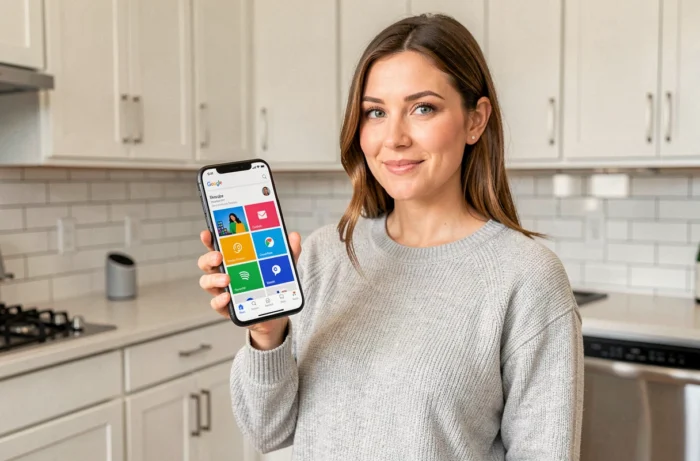
The Google Home tile is the unit control point for each device or service in the app. It displays real-time status, allows for direct action without voice command, and serves as a shortcut to advanced settings. Understanding its display logic and possible interactions radically changes the fluidity of a smart home ecosystem.
Anatomy of a Google Home Tile: Structure and Exposed Data
Each tile corresponds to a device, group, or media. It relays three categories of information: binary state (on/off, locked/unlocked), current value (set temperature of a Nest thermostat, brightness level of a bulb), and ongoing stream (title of the track playing on a speaker).
A short press on the tile triggers the main action, usually the on/off toggle. A long press opens the extended control panel: brightness or volume sliders, source selection, access to the video stream from a Nest camera. This short press/long press distinction is the most underutilized mechanism by users who systematically rely on voice commands.
To fully understand what the Google Home tile is for, it should be considered as a visual API: it exposes the capabilities of the underlying device and limits actions to what the manufacturer has declared in its cloud or Matter integration.
Routines and Automations Related to Tiles: Personal vs. Household
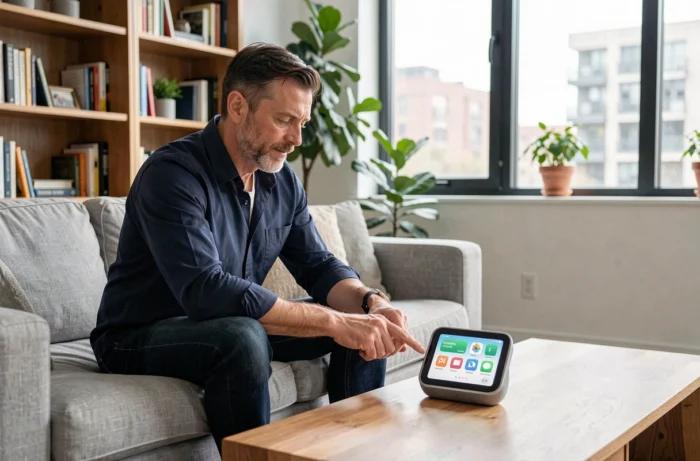
The Google Home app now distinguishes between personal routines and household routines. This separation has a direct impact on the tiles displayed and the actions available depending on the connected profile.
A personal routine only triggers on the account of its creator. The morning briefing, for example, can activate the playback of a news summary on the phone without waking the living room speaker. Conversely, a household routine like “Movie Mode” acts on shared tiles: turning off the living room lights, activating the Chromecast, adjusting the soundbar volume.
The starters available to trigger these routines have expanded far beyond simple voice commands:
- Specific time or recurring time range, sunrise or sunset calculated based on the household’s geolocation
- Sensor or device event (door opening, light on, motion detected on a Nest camera)
- Geographical location: arrival or departure from home or workplace, allowing the thermostat to be preheated without manual intervention
We observe that the combination of geographical starter + household routine covers the majority of common smart home use cases without resorting to third-party platforms like Home Assistant.
Tiles and the Matter Protocol: What the Standard Changes Practically
Matter simplifies the addition of devices but does not guarantee a complete tile. The “Add Device” button followed by “Matter” in the app automatically creates a tile, but the exposed functionalities depend on the Matter profile declared by the manufacturer.
A Matter temperature sensor will display the current value on its tile. In contrast, a Matter-certified air purifier may be limited to a simple on/off toggle if the manufacturer has not implemented ventilation speed or air quality clusters in its firmware.
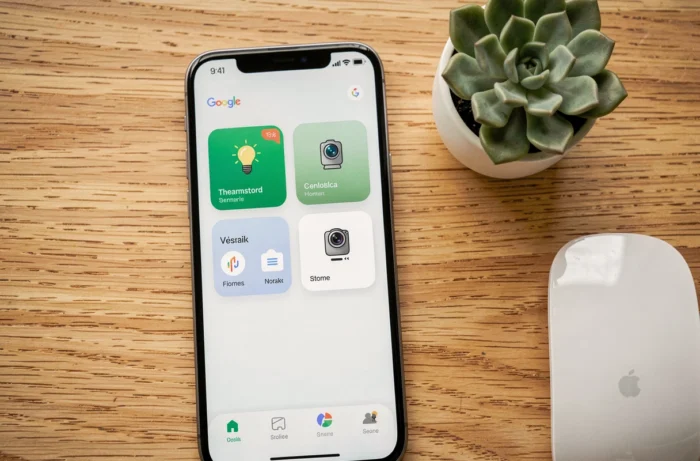
The visible result on the tile therefore varies from one manufacturer to another for the same type of device. Before purchasing a Matter accessory, we recommend checking the list of supported clusters in the product documentation, not just the Matter logo on the packaging.
The other limitation concerns automations: some Matter devices do not yet relay their events as routine starters in Google Home. A smart lock may appear on the tile and respond to commands, but its state change (locking/unlocking) does not necessarily trigger a chain automation.
Optimizing the Display of Google Home Tiles for Daily Use
The organization of tiles is based on two levels: rooms and favorites. Assigning each device to a room is fundamental, but pinning the most used tiles as favorites brings them to the forefront on the app’s home screen. The visual priority order makes a difference when the household exceeds a dozen devices.
Some practices that improve readability:
- Group lights in the same area into a group: the group tile then displays a single brightness slider instead of multiplying individual tiles
- Rename devices with vocabulary that the voice assistant can recognize unambiguously (“Desk Lamp” instead of “LED-Strip-2B”), which also improves the accuracy of voice commands
- Remove tiles for disconnected or obsolete devices to avoid cascading routine errors; an offline device in a routine can sometimes block the execution of subsequent actions
Gemini integrated into Google Home is beginning to change the interaction with tiles on recent Nest Hub devices. Natural language conversation allows for complex action requests (“dim the living room light and raise the heating by two degrees”) that would have required multiple presses on separate tiles. The tile remains the visual fallback when voice command fails or when the sound context renders the assistant unusable.
The Google Home tile is not just a button: it is the most granular control interface of the ecosystem. Mastering its levels of interaction, carefully selecting favorites, and checking the depth of Matter integration for each device before purchase are the three levers that separate a functional smart home from a poorly orchestrated collection of gadgets.